
Top DAWs Compared: Which One Fits Your Creative Style?
588 views
Picking a DAW sounds simple until you install three of them.
Then the real trouble starts. One has a brilliant piano roll but an awkward mixer. Another feels incredible for beat-making but slows you down once the arrangement gets dense. A third is packed with recording tools you may never touch.
That’s why the “best DAW” question is slightly broken.
The better question is: which DAW matches the way you actually make music?
For Melody Beats readers, that distinction matters. If your priority is writing melodies, building beats, recording instruments, arranging full songs, or finishing productions without fighting the software, your ideal choice can be completely different from someone else’s.
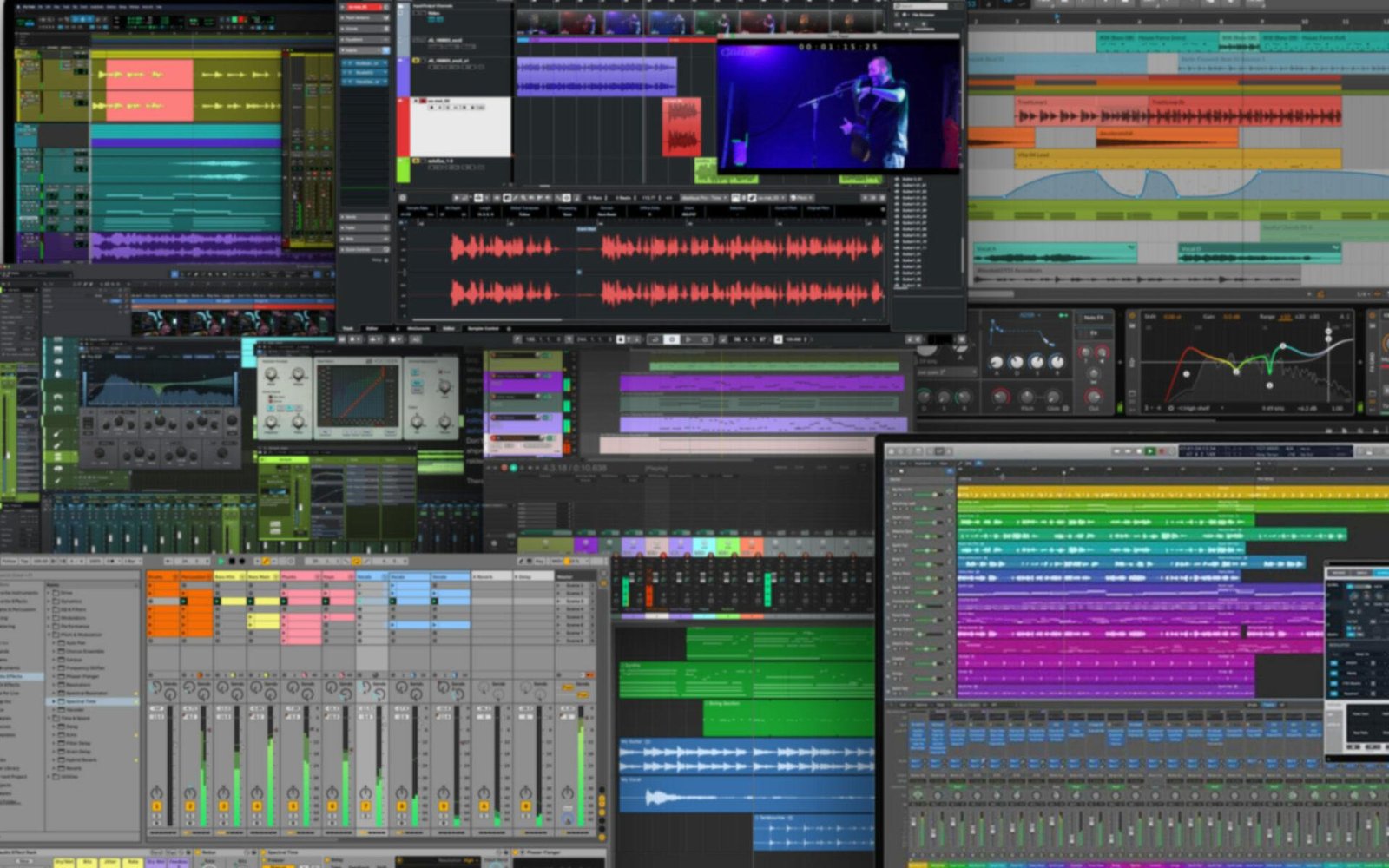
This comparison focuses on five major options: Ableton Live 12, FL Studio 2026, Logic Pro, Cubase 15, and REAPER 7.78. The goal isn't to crown a universal winner. It’s to identify the workflow each DAW rewards.
The quick answer
DAW | Best fit | Biggest strength | Main friction |
|---|---|---|---|
Ableton Live 12 | Electronic producers, live performers, experimental creators | Session View and fast idea development | Arrangement can feel unusual at first |
FL Studio 2026 | Beatmakers, hip-hop, trap, EDM | Piano Roll and pattern-based workflow | Large projects can become visually busy |
Logic Pro | Mac-based songwriters, producers, musicians | Instruments, recording and composition | Apple-only ecosystem |
Cubase 15 | Recording, arrangement, MIDI-heavy production | Deep sequencing and editing | Steeper learning curve |
REAPER 7.78 | DIY producers, engineers, tinkerers | Customization and value | You have to build more of your own workflow |
That table is the shortcut. The interesting part comes next.
Ableton Live 12: for producers who think in ideas
Ableton Live feels different because it doesn't force you to begin with a traditional timeline.
Session View is the reason.
You can throw drums, bass, vocals and synth parts into clips, trigger combinations, improvise arrangements, and discover a song before committing everything to the linear Arrangement View. For electronic music, loop-based composition and performance, that can dramatically reduce the “staring at an empty timeline” problem.
Live 12 also includes MIDI Tools, expanded sound content and features such as Capture, while Live 12.3 introduced stem separation. Suite adds Max for Live, which opens a huge ecosystem of devices and experimental workflows.
The current pricing is straightforward: Live 12 Intro is $99, Standard is $349, and Suite is $749 in the U.S. Ableton also offers Suite rent-to-own at $31.21 per month on its current shop page. Intro is limited to 16 audio/MIDI tracks, while Standard and Suite offer unlimited tracks.
There's a hardware catch worth knowing before buying. Live 12 on Windows requires a CPU supporting AVX2, with a minimum of a 5th-generation Intel Core i5 or AMD Ryzen processor. An older PC can therefore meet your expectations for other software and still fail to launch Live 12.
Choose Live if: you build from loops, perform ideas, experiment constantly, or want your DAW to encourage improvisation.
Skip it if: you strongly prefer a traditional linear recording-and-editing environment from the first click.
FL Studio: the beatmaker's playground
FL Studio has a different superpower: speed.
The Channel Rack, Step Sequencer, Piano Roll and pattern workflow make it exceptionally quick to turn a rhythmic idea into something playable. For trap hi-hats, layered drums, bass patterns and melodic loops, the software almost encourages you to keep moving.
That matters more than having another hundred features.
The current FL Studio download page lists version 26.1.3 for Windows and macOS, with Windows 10/11 support and native Apple Silicon support on Mac. The basic requirements are modest: 4 GB RAM and 4 GB of free disk space. Image-Line also recommends a quad-core CPU, 8–16 GB RAM and an SSD for smoother work.
There's another unusually attractive detail: the paid editions include Lifetime Free Updates. Buy an edition, and future updates for that edition don't become another annual expense.
The trial is generous, too. It's fully functional and doesn't expire, although saved projects can't be reopened until you purchase a license.
One small technical annoyance appears on Apple Silicon systems. Older Intel-only third-party plug-ins can complicate plugin scanning, and Image-Line documents switching between native Apple Silicon and Rosetta modes when necessary.
Choose FL Studio if: your music starts with drums, patterns, MIDI melodies and quick sound experimentation.
Skip it if: you want the most traditional recording-studio mentality or find pattern-based workflows distracting.
Logic Pro: the obvious Mac choice — with a catch
If you're already on a modern Mac, Logic Pro deserves serious attention.
The price is unusually simple: $199.99 as a one-time purchase for Logic Pro for Mac. Apple also offers Logic Pro through its subscription-based Apple Creator Studio bundle.
Logic's appeal isn't just price. It gives musicians a huge collection of instruments, effects, recording tools and songwriting features without immediately pushing you toward third-party plugins.
That makes it particularly strong for someone who writes on piano or guitar, records vocals, builds arrangements and wants one application to handle the whole process.
Recent versions have also pushed deeper into assisted workflows. Apple lists features including Session Players, ChromaGlow, Stem Splitter, Chord ID and Mastering Assistant.
The catch is obvious but significant: Logic is tied to Apple's ecosystem. Current requirements call for a Mac with Apple silicon and recent macOS versions; the iPad version is a separate experience with its own hardware requirements.
So if you're running a Windows desktop, this isn't a debate. Logic isn't your option.
Choose Logic if: you're on Mac and want songwriting, recording, virtual instruments and production under one roof.
Cubase 15: the deep-water option
Cubase is for the producer who eventually asks, “Can I control this in ridiculous detail?”
The answer is usually yes.
Its strength lies in deep MIDI editing, arrangement, recording, mixing and studio-style workflows. If your projects involve lots of recorded musicians, detailed automation, elaborate MIDI arrangements or complex routing, Cubase has the architecture to support that kind of work.
Cubase 15 is also a reminder that feature depth has a cost: learning time.
You can absolutely make a simple beat in Cubase. But if you're choosing it specifically for that purpose, you're buying a very large toolbox to hammer one nail.
Pricing varies by region and upgrade status; Cubase Pro 15 has been listed around the high-$500 range for a full U.S. license, with discounted upgrade paths for existing owners.
There are also real-world compatibility considerations. Cubase's transition away from older plugin formats means someone carrying a decade-old collection of VST2 instruments may discover that a favorite plugin isn't available by default and needs additional configuration.
Choose Cubase if: recording, MIDI precision, arrangement and detailed engineering are central to your work.
Skip it if: you want the shortest possible route from “I have a beat idea” to “there's a finished loop.”
REAPER 7.78: the sleeper pick for control freaks
REAPER doesn't try very hard to impress you on day one.
That's part of its appeal.
Version 7.78, released July 18, 2026, is remarkably inexpensive compared with many flagship DAWs: $60 for the discounted license and $225 for the commercial license. The discounted tier applies to personal use, qualifying businesses earning no more than $20,000 in annual gross revenue, and educational/non-profit use. A license includes free upgrades through version 8.99.
There's also a 60-day full-function evaluation.
REAPER becomes interesting once you start customizing it. Routing, actions, scripts, keyboard shortcuts, track templates and interface layouts can be configured to an almost obsessive degree.
That makes it fantastic for someone who thinks, “Why am I clicking through this menu every single time?”
But here's the trade-off: REAPER gives you freedom instead of a predetermined workflow.
A beginner may open it and wonder why the software doesn't simply tell them where to put everything.
An experienced user may spend a weekend customizing a template and never want to leave.
Choose REAPER if: you record, edit, mix, or obsess over workflow efficiency and want maximum control for relatively little money.
Which DAW fits your creative personality?
You make beats first
Start with FL Studio.
Its pattern workflow and Piano Roll are exceptionally well suited to constructing drums, basses and melodies quickly. Ableton Live is the strongest alternative if your beatmaking tends to become experimental or performance-oriented.
You make electronic music from loops and textures
Pick Ableton Live 12.
The Session View workflow encourages experimentation instead of forcing you to decide the entire arrangement too early.
You write songs with instruments and vocals
Logic Pro is hard to ignore on Mac.
It offers a particularly complete songwriting-to-production path without requiring a large third-party collection on day one.
You record bands or complex MIDI arrangements
Look closely at Cubase 15.
Its depth becomes an advantage when your project stops being eight tracks and starts becoming a small ecosystem of guitars, vocals, drums, orchestral MIDI, buses and automation.
You want to customize everything
REAPER.
No contest.
It rewards curiosity and patience more than brand loyalty.
Don't ignore your computer
A DAW comparison can become meaningless if the computer underneath it is struggling.
Track counts aren't the whole story. A project with 30 audio tracks can be lighter than one synth-heavy session containing ten CPU-hungry instruments and oversampling plugins.
RAM matters for sample libraries. CPU performance matters for real-time processing. SSD speed affects loading and sample streaming. Your audio interface and its drivers matter for latency.
Ableton recommends 16 GB RAM for typical production, with 32 GB or more for large projects and extensive sample libraries. It also recommends fast SSD storage and properly supported ASIO drivers on Windows or Core Audio on macOS.
That distinction saves money.
Don't replace a perfectly capable computer just because a YouTube producer says you need 64 GB of RAM.
A better way to choose
Don't watch another 40-minute DAW comparison.
Do this instead:
Download the trials or demos.
Recreate the same 60-second idea in each DAW.
Use the same kick, snare, bass, four-chord progression and vocal recording. Then notice where you hesitate.
That's the useful test.
If FL Studio gets your drum idea down twice as fast, pay attention. If Ableton makes you want to experiment, that's data. If Logic lets you record a guitar, build drums and arrange the chorus without hunting for tools, that's data too.
The interface you enjoy using is not a superficial preference. It affects how many ideas survive long enough to become songs.
Frequently asked questions
Which DAW is best for beginners?
There isn't one universal answer. FL Studio is particularly approachable for beat-focused beginners, while Logic Pro is excellent for Mac users who want a broad collection of instruments and recording tools. Ableton is easy to grow into but may feel unfamiliar initially.
Is Ableton better than FL Studio?
Not universally. Ableton Live generally wins for clip-based composition, electronic performance and experimental workflows. FL Studio is often faster for pattern-driven beatmaking and MIDI programming.
Is Logic Pro worth buying in 2026?
For a Mac user, absolutely worth testing. At $199.99 for the standalone Mac version, its built-in production environment makes it a strong value, especially for songwriting and recording.
Is REAPER really free?
No. REAPER offers a 60-day fully functional evaluation, then costs $60 for the discounted license or $225 commercially. That's still unusually inexpensive for a professional DAW.
Can I switch DAWs later?
Yes, but don't underestimate the inconvenience. Audio files and common plugin formats can move between systems, while project files, automation, instruments and DAW-specific devices often don't translate perfectly. Switching is easiest before you've built a huge archive of projects around one platform.
The DAW you stick with beats the DAW you admire
A brilliant DAW that makes you procrastinate isn't brilliant for you.
Start with your actual behavior. If you hear drums first, try FL Studio. If you hear textures and loops, open Ableton. If you write songs on a Mac, spend serious time with Logic. If detailed recording and MIDI work dominate your sessions, investigate Cubase. If customization makes you irrationally happy, REAPER deserves a trial.
Then make one complete song.
Not eight unfinished demos. One finished song.
That final test tells you far more than a feature checklist ever will.
top DAWs
best music production software
DAW comparison
audio editing software
music creation tools
Found this helpful? Share it!